



How do I import a GLB or glTF file into Maya?
SimLab GLTF Importer for Maya imports both binary glTF (.glb) and text glTF (.gltf) files into Maya 2010 through 2027 on Windows and macOS. It transfers geometry, materials and textures, plus rigid-body (transform) and skeleton animation, with scale, rotation and up-vector settings. After installing, open the SimLab tab and choose GLTF Importer. It is a $95/year subscription for two machines; the free trial runs 14 days or 30 uses, no credit card.
- Supports: Maya 2010 – 2027
- Formats: .glb (binary) and .gltf
- OS: Windows and macOS
- Imports: geometry, materials, textures, transform and skeleton animation
- Price: $95/year subscription, two machines
- Trial: 14 days or 30 uses, no credit card

Supports
Maya 2010 - 2027
Animations
Supports animations and keyframes

FlexBodies
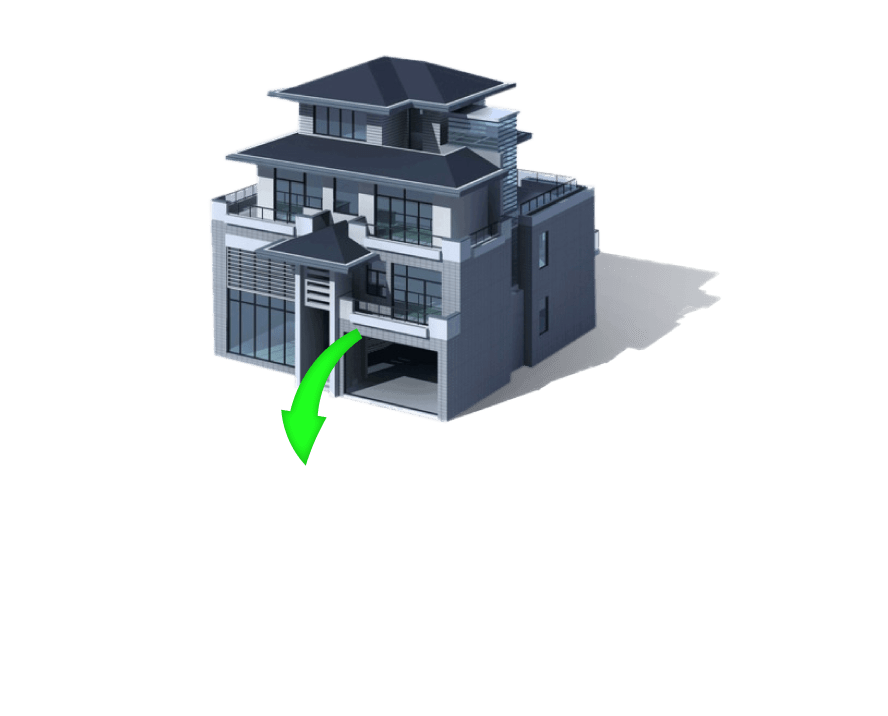
Supports models with flexible animations
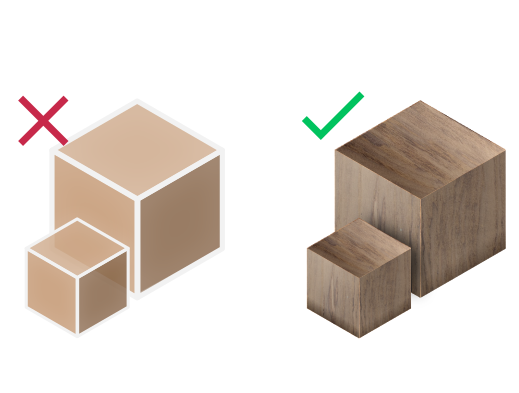
Materials Support
Import your models with their materials


Pricing
Maya GLTF Importer
Maya
GLTF Importer

How to get it and use it?
- Download the plugin and install it.
- Run Maya.
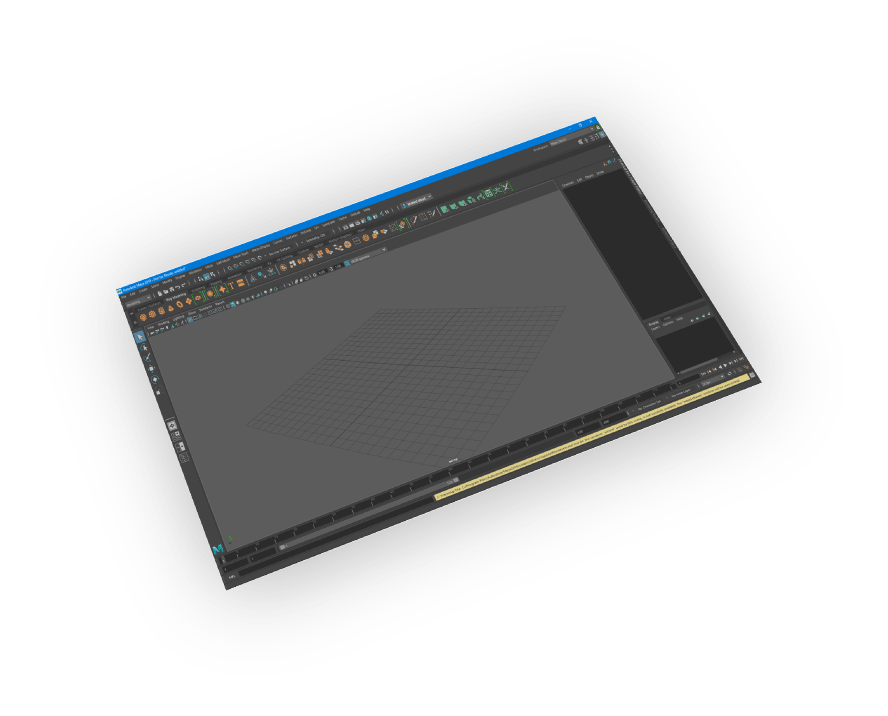
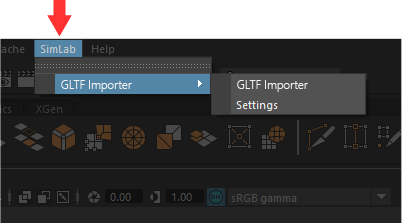
- Go to SimLab Tab and find GLTF Importer Tab as shown in the image.
- To obtain a trial license, open settings then follow the steps shown here.

FAQ
- How do I import a GLB file into Maya?
Install SimLab GLTF Importer, start Maya, open the SimLab tab and choose GLTF Importer, then select your .glb file. The importer brings in geometry, materials, textures and animation, and lets you adjust scale and up vector during import.
- Does the Maya glTF importer bring in rigged characters and animation?
Yes. SimLab's importer transfers skeleton animation as well as rigid-body (transform) animation and keyframes from glTF and GLB files, along with the model's materials and textures, so animated assets arrive in Maya ready to work with.
- Why use a paid glTF importer for Maya instead of a free script?
SimLab's GLTF Importer supports Maya 2010 through 2027 on Windows and macOS, reads both .glb and .gltf, and keeps materials, textures and skeleton animation. Subscriptions include the latest version, and you can test it free for 14 days or 30 uses.
- Does the Imported Model Supports ASCI or Binary GLTF?
It supports both binary GLTF (.glb) and ASCI GLTF (.gltf)
- Is animation supported in GLTF files?
Yes, it supports rigid body (transform) animation, and skeleton animation.
- Does the GLTF Files Support Textures?
Yes, it supports materials and textures.
- Can the user automatically fix scale, orientation, and up vector during importing?
Yes, we can edit settings to scale, rotate, and change up vector upon importing.
- What information is imported from the GLTF model to Maya?
The plugin transfers geometries, materials, and textures. It also transfers rigid body (transform) animation, and skeleton animation.
- What versions of Maya are supported?
The plugin supports Maya 2027 and older, it works on Windows and macOS.
- What control do I have over the imported GLTF?
Defaults should work automatically for most of the models, the setting of the plugin still allows you to control the scale of the model, and the up vector to be used.

Subscription licenses:
- Will I be able to install the latest version while I have a subscription license?
Yes, a subscription license will make you always up to date with the latest version.
- What happens when my subscription ends?
You can renew your subscription ( auto renewal option is available ), or you can cancel it.
- How can I activate my license?
After buying a subscription you will get a key, follow the steps described on the licensing page.
If you face any problem, please send an email to license@simlab-soft.com
Trial licenses:
- How to request a trial license? and for how long it would be valid?
Check this page for step by step instructions on how to request and activate a trial license.
Trial licenses are valid for 14 days or 30 trials whichever comes first.