



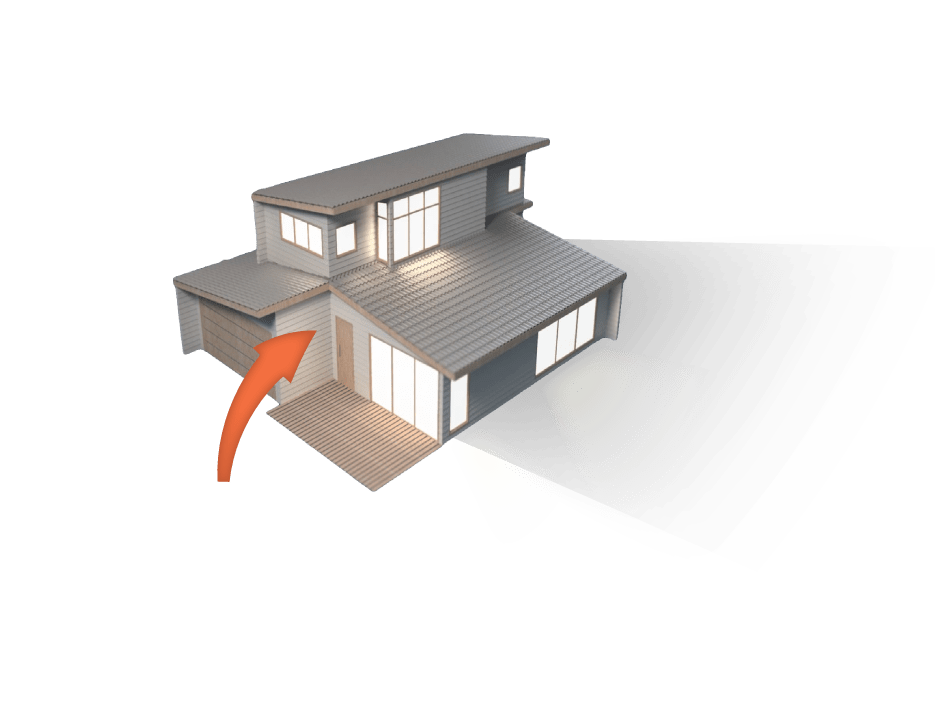
How do I export a Revit model to SketchUp?
The SimLab SketchUp Exporter for Revit is a plugin that exports Revit 2013-2027 models directly to SketchUp SKP files on Windows. It transfers geometry, materials and textures, including colors, and the SKP files are readable by SketchUp 8 and newer. Settings for scale, rotation and up vector correct orientation. Subscriptions cost $199/year for a single user (two machines) or $399/year for a floating license. A free trial runs 14 days or 30 uses, with no credit card.
- Supported: Revit 2013 - 2027
- Output: SKP readable by SketchUp 8 and newer
- Transfers: geometry, materials, textures, colors
- OS: Windows
- Price: $199/year single user; $399/year floating
- Free trial: 14 days or 30 uses, no credit card

Supports
Revit 2013 - 2027

Readable
By SketchUp 8 and newer.
Transformations
Corrections(Up Vector,Rotate by, Scaling Multiplier)

Ease Of Use
Quality outputs in minimal steps


Yearly Subscribtion
Revit SketchUp Exporter
Revit
SketchUp Exporter

How to get it and use it?
- Download the plugin and install it.
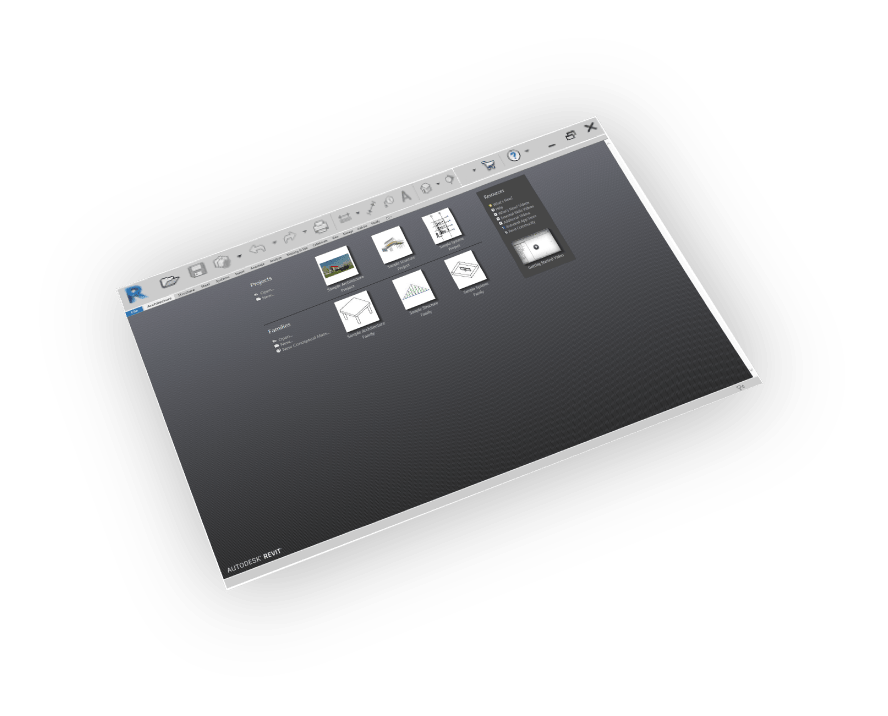
- Run Revit.
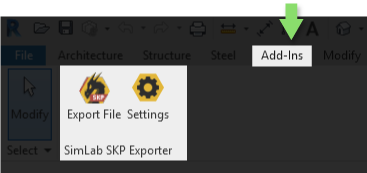
- Go to SimLab Tab and find SketchUp Exporter Tab as shown in the image.
- To obtain a trial license, open settings then follow the steps shown here.

FAQ
- Can Revit export to SketchUp natively?
Revit does not include a direct SKP export option. The SimLab SketchUp Exporter adds one: after installing it, a SketchUp Exporter appears under the SimLab tab in Revit 2013-2027 and writes SKP files with geometry, materials and textures.
- Is there an online Revit to SketchUp converter?
The SimLab SketchUp Exporter is not an online service. It is a plugin that runs inside Revit on Windows and exports the open model straight to SKP, keeping materials and textures. You can try it free for 14 days or 30 uses.
- How do I convert an RVT file to SKP step by step?
Install the plugin and run Revit. Open the SimLab tab, then the SketchUp Exporter. Adjust scale or up vector if needed and export. The resulting SKP keeps geometry, materials and textures and opens in SketchUp 8 or newer.
- What Versions of SketchUp files are supported?
Readable by SketchUp 2025 and older
- What material info will be included in the generated SKP file?
Textures and Colors
- Does the SketchUp Files Support Textures?
Yes, it supports materials and textures.
- Can the use automatically fix scale, orientation, and up vector during importing?
Yes, we can edit settings to scale, rotate, and change up vector upon importing.
- What information is exported to SketchUp from the Revit model?
The plugin transfers geometries, materials, and textures.
- What versions of Revit are supported?
The plugin supports Revit 2027 and older, it works on Windows.
- What control do I have over the exported SketchUp?
Defaults should work automatically for most of the models, the setting of the plugin still allows you to control the scale of the model, and the up vector to be used.
Trial licenses:
- How to request a trial license? and for how long it would be valid?
Check this page for step by step instructions on how to request and activate a trial license.
Trial licenses are valid for 14 days or 30 trials whichever comes first.
Professional licenses:
- Requesting and activating a professional license?
Check this page for step by step, instructions on how to activate a professional license upon receiving a software key that can be used for activating the Plugin.